

The shift to remote learning has presented unprecedented challenges and opportunities for students worldwide. Navigating virtual classrooms, managing asynchronous lectures, and maintaining academic rigor from a distance demand a new set of skills and tools. Fortunately, the digital landscape is brimming with resources designed to empower remote learners. From mastering your schedule to capturing crucial information and staying mentally resilient, a strategic approach to leveraging technology can transform a potentially overwhelming experience into a highly productive and rewarding one. This exploration delves into the best applications and strategies to ensure you stay organized and focused and excel in your remote academic journey.
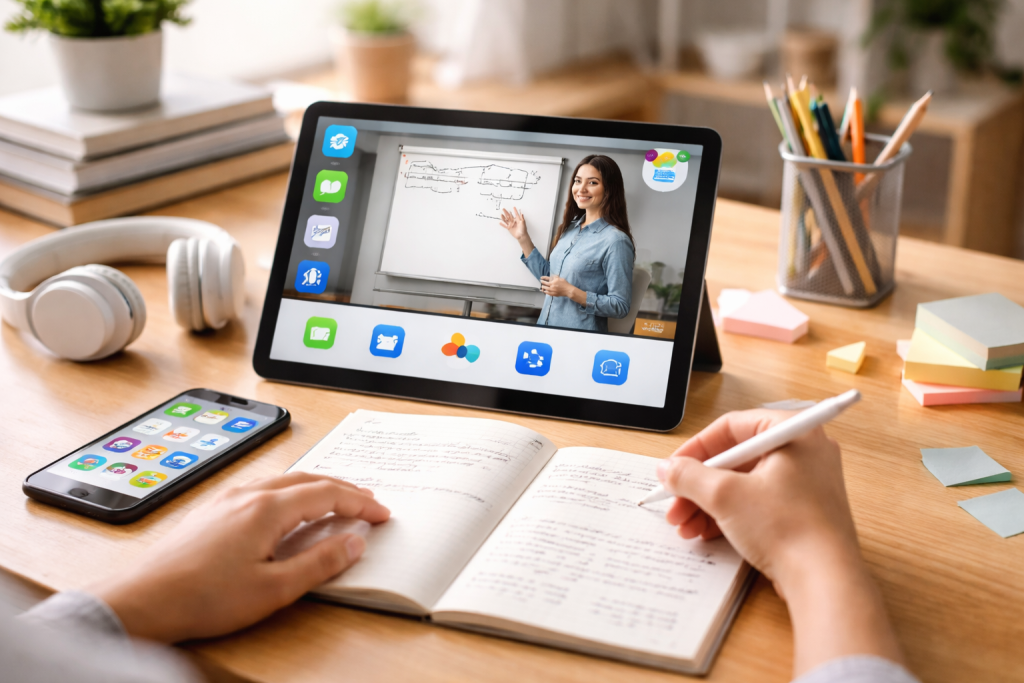
Effective time management is the bedrock of successful remote learning. Without the inherent structure of a physical classroom, students must become their own time architects, meticulously planning their days and weeks to accommodate lectures, study sessions, assignments, and personal commitments. The right digital tools can act as invaluable assistants, providing visual cues, timely reminders, and personalized scheduling capabilities that prevent overwhelm and ensure that no task falls through the cracks. The ability to allocate sufficient time for each academic responsibility, coupled with the discipline to adhere to that schedule, is paramount.
Contents
- 1 Daily Planning and Scheduling
- 2 Setting Reminders and Alarms
- 3 Tracking Progress and Habits
- 4 Creating and Prioritizing To-Do Lists
- 5 Deadline Tracking and Calendar Integration
- 6 Progress Monitoring and Completion
- 7 Digital Note Capture and Organization
- 8 Multimedia Integration and Rich Text Formatting
- 9 Searchability and Collaboration Features
- 10 Flashcards and Spaced Repetition Systems
- 11 Mind Mapping and Visual Learning Aids
- 12 Practice Quizzes and Gamified Learning
Daily Planning and Scheduling
At the core of time management lies the art of daily planning. This involves breaking down your academic workload into manageable chunks and assigning specific time slots for each. Many applications excel at this, offering intuitive interfaces where you can map out your entire day. Drag-and-drop functionality, color-coding for different subjects or task types, and recurring event settings are features that significantly streamline this process. The goal is to create a visual representation of your commitments, allowing you to see at a glance what needs to be done and when. This proactive approach minimizes the likelihood of last-minute cramming and promotes a more consistent and less stressful learning rhythm.
Setting Reminders and Alarms
Even the most meticulously planned schedule is rendered ineffective if its components are forgotten. This is where the power of reminders and alarms becomes indispensable. Modern applications offer sophisticated notification systems that can be customized to your preferences. You can set reminders for upcoming lectures, assignment deadlines, study breaks, or even just to switch tasks to maintain focus. Beyond simple audible alerts, many apps provide push notifications to your devices, ensuring that important prompts reach you even when you’re not actively engaged with the scheduling tool. This constant, gentle nudging is crucial for maintaining momentum and adherence to your planned activities, preventing the drift that can easily occur in a remote learning environment.
Tracking Progress and Habits
Beyond just scheduling, understanding how you actually spend your time is a powerful self-awareness tool. Time-tracking applications allow you to monitor your activity, categorizing it by task or subject. This data can reveal surprising insights into your productivity patterns, highlighting areas where you might be losing time or where you are most focused. By regularly reviewing these reports, you can refine your scheduling, identify time-wasting habits, and optimize your workflow. Furthermore, habit-tracking features within some time management apps can encourage consistent engagement with study routines, transforming fleeting intentions into ingrained academic practices.
Assignments and deadlines are the tangible markers of academic progress. In a remote setting, where communication might be less immediate and the physical cues of professors are absent, a robust system for managing these is critical. Task management applications transform a chaotic list of due dates and requirements into an organized, actionable roadmap. They provide a centralized hub for all your academic responsibilities, allowing you to prioritize, track progress, and ensure that nothing slips through the net.
Creating and Prioritizing To-Do Lists
The fundamental function of any task management app is the creation of to-do lists. However, the most effective tools go beyond mere listing. They allow for detailed task creation, including subtasks, attached files, and estimated completion times. Prioritization is where these apps truly shine. Features like color-coded urgency levels, drag-and-drop reordering, and the ability to set deadlines with varying levels of importance help you identify what needs your immediate attention and what can wait. This visual hierarchy is essential for navigating a demanding academic load, ensuring you allocate your energy most effectively.
Deadline Tracking and Calendar Integration
Missing a deadline can have significant academic repercussions. Task management applications excel at preventing this by offering robust deadline tracking features. You can set specific due dates for each task, and the app will often display them prominently, providing countdowns or color-coded indicators as deadlines approach. Many of these apps also offer seamless integration with your digital calendar. This means that once you input a deadline, it automatically appears in your schedule, further reinforcing its importance and allowing for better time allocation around it. This interconnectedness creates a holistic view of your commitments, reducing the mental load of trying to remember every individual deadline.
Progress Monitoring and Completion
Seeing your progress is a powerful motivator. Task management apps provide visual cues to track the completion of your assignments. Marking tasks as “in progress,” “completed,” or “delayed” allows you to gauge your momentum and identify any potential roadblocks. Some advanced applications offer more sophisticated progress tracking, such as percentage completion for large projects or the ability to add notes on your progress. This feedback loop is invaluable for staying on track, celebrating small victories, and adjusting your approach if you find yourself falling behind on a particular task.
The ability to capture, organize, and retrieve information is fundamental to learning. Remote learning often involves a higher reliance on digital resources, including recorded lectures, online readings, and virtual presentations. This makes efficient and effective note-taking more critical than ever. The right note-taking applications transform raw information into structured knowledge, facilitating deeper understanding and easier revision.
Digital Note Capture and Organization
Gone are the days of simply scribbling in a notebook. Modern note-taking apps allow for rich digital capture, incorporating text, images, audio recordings, and even sketches. You can create separate notebooks for different subjects or courses, and within those, create individual notes for specific lectures or topics. Features like tagging and keywords allow for advanced organization, enabling you to quickly find specific information later. The ability to sync your notes across devices ensures that your academic insights are always at your fingertips, whether you’re on a laptop, tablet, or smartphone.
Multimedia Integration and Rich Text Formatting
The richness of information in remote learning often extends beyond plain text. Many note-taking apps support the integration of various multimedia elements. You can embed images from presentations directly into your notes, attach relevant PDF documents, or even record lectures to supplement your written transcriptions. Rich text formatting options, such as bolding, italics, bullet points, and headings, help to structure your notes, making them more readable and digestible. This ability to combine diverse forms of information within a single note-taking environment significantly enhances comprehension and retention.
Searchability and Collaboration Features
The true power of digital notes lies in their searchability. When you need to recall a specific detail for an exam or assignment, being able to instantly search your entire repository of notes is invaluable. Advanced search algorithms in note-taking apps can often find keywords within attached documents or even within audio recordings. Furthermore, many applications offer collaboration features. This allows you to share notes with classmates for group projects or to allow instructors to review your work. This collaborative aspect can foster a more interactive and supportive learning community.
Beyond the essentials of organization and note-taking, a wealth of specialized study tools exists to actively enhance the learning experience in a remote environment. These applications go beyond passive consumption of information and empower students to engage with material in more dynamic and effective ways, transforming passive learning into active knowledge construction.
Flashcards and Spaced Repetition Systems
Memorization is a crucial component of many academic disciplines. Flashcard applications, often coupled with spaced repetition algorithms, offer a scientifically proven method for improving long-term retention. By presenting information at increasingly longer intervals as you demonstrate mastery, these systems optimize your study time, focusing on what you need to review most urgently. Many of these apps allow you to create your own flashcards or utilize pre-made decks, catering to a wide range of subjects and learning styles. The interactive nature of flashcards makes studying more engaging and less like a chore.
Mind Mapping and Visual Learning Aids
Visual learners often struggle with linear, text-based information. Mind mapping applications provide a powerful alternative, allowing you to visually brainstorm, organize ideas, and understand complex relationships between concepts. By creating nodes connected by branches, you can map out entire subjects, essays, or project plans in a way that mirrors natural thought processes. These visual frameworks can help to illuminate the structure of information, making it easier to grasp hierarchies, identify key themes, and generate new insights. Many mind mapping tools offer templates and customizable features to suit individual preferences.
Practice Quizzes and Gamified Learning
Active recall and regular testing are vital for solidifying knowledge. Many study tools offer practice quizzes and exercises that mimic the format of actual exams, allowing you to test your understanding in a low-stakes environment. Gamified learning platforms take this a step further, incorporating elements of play, competition, and rewards to make the learning process more enjoyable and motivating. These applications can turn tedious study sessions into engaging challenges, encouraging consistent effort through interactive challenges and progress tracking. The immediate feedback provided by these tools is instrumental in identifying areas of

About the Author
Muqadas Ali is the founder of SmartLearningWay with over 5 years of experience in blogging and digital learning. His mission is to help students and professionals improve productivity using simple methods and modern tools.


