

The constant evolution of our digital lives necessitates a seamless flow of information. From personal photos and important documents to work projects and entertainment libraries, our data resides across an ever-growing constellation of devices. If we don’t consistently and reliably synchronize our digital assets, this interconnectedness, despite its power, can quickly become a source of frustration. This comprehensive guide aims to demystify the world of data syncing, equipping tech enthusiasts with the knowledge and strategies to navigate this essential aspect of modern computing.
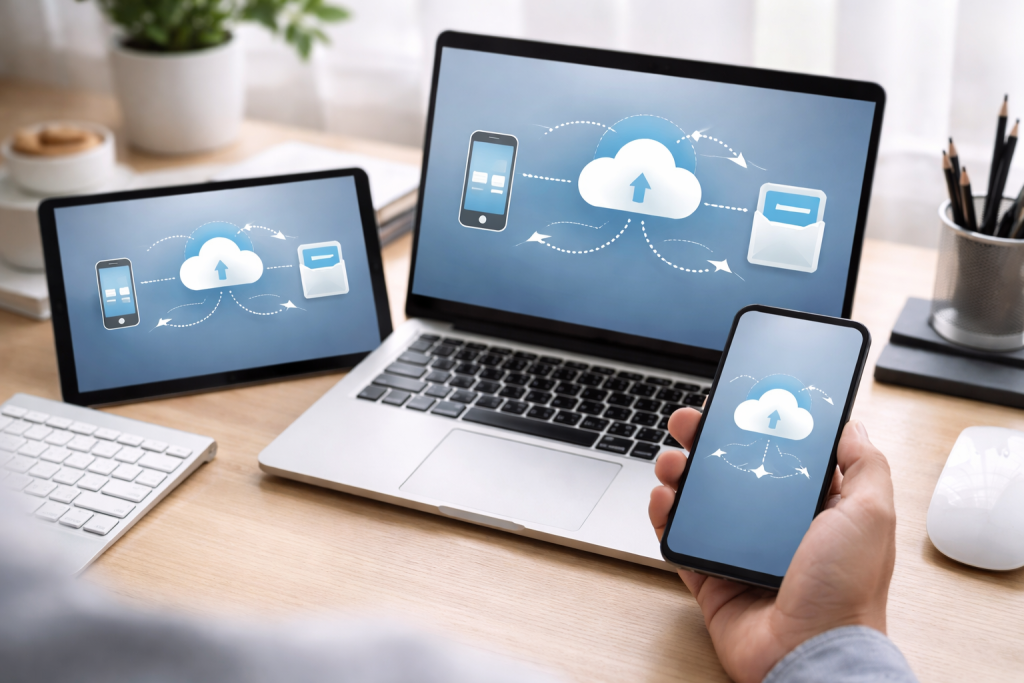
In an era where work, communication, and leisure are fragmented across smartphones, tablets, laptops, and even smartwatches, the ability to access an up-to-date version of your data on any device is no longer a luxury; it’s a fundamental requirement for efficiency and peace of mind. Picture starting an email on your computer, then needing to finish it on your phone before your next meeting. Without seamless syncing, this situation turns into a pointless exercise, necessitating laborious workarounds or causing lost progress. The importance of data syncing extends beyond mere convenience; it’s about maintaining continuity, fostering productivity, and safeguarding against data loss.
Contents
The Breadth of Data: What We Sync and Why
The spectrum of data we rely on is vast and varied. It encompasses a wide range of information, from routine tasks to crucial missions. Photos and videos capture our precious memories, while documents and spreadsheets form the backbone of our professional and personal lives. Notes, to-do lists, and calendar entries keep us organized and on track. Even application settings and preferences contribute to a personalized and efficient digital experience. The ability to sync these diverse data types ensures that no matter which device you pick up, your digital world is precisely as you left it on another. This uniformity eliminates the cognitive load of remembering where specific files are located and the anxiety of potential discrepancies.
Preserving Progress: The Role of Syncing in Workflow Continuity
For professionals and students alike, uninterrupted workflow is paramount. Data syncing acts as an invisible bridge, allowing projects to flow seamlessly between devices. A designer might work on a graphic on a powerful desktop, then effortlessly transition to a tablet for finer adjustments and client presentations. A writer can draft on a laptop and then refine their manuscript on a smartphone during their commute. This fluidity minimizes downtime, prevents the loss of creative momentum, and ultimately accelerates project completion. The alternative—manually transferring files or relying on outdated versions—is a significant impediment to productivity.
Various approaches populate the landscape of data syncing, each with its own strengths and ideal use cases. Understanding these methods empowers you to choose the solution that best fits your technical comfort level, budget, and specific needs. From simple file transfers to sophisticated cloud-based ecosystems, there’s a syncing strategy for everyone.
The Direct Approach: Local Network Syncing
For those who prefer to keep their data within their immediate control, local network syncing offers a secure and often faster alternative. This method typically involves software that synchronizes files between devices connected to the same Wi-Fi network. It’s particularly useful for large files or when internet connectivity is unreliable. While it requires a degree of technical setup, the autonomy it provides is a significant draw for privacy-conscious users.
Peer-to-Peer Syncing: Decentralized Data Flow
Within local network syncing, peer-to-peer (P2P) solutions stand out. In this model, devices

About the Author
Muqadas Ali is the founder of SmartLearningWay with over 5 years of experience in blogging and digital learning. His mission is to help students and professionals improve productivity using simple methods and modern tools.


